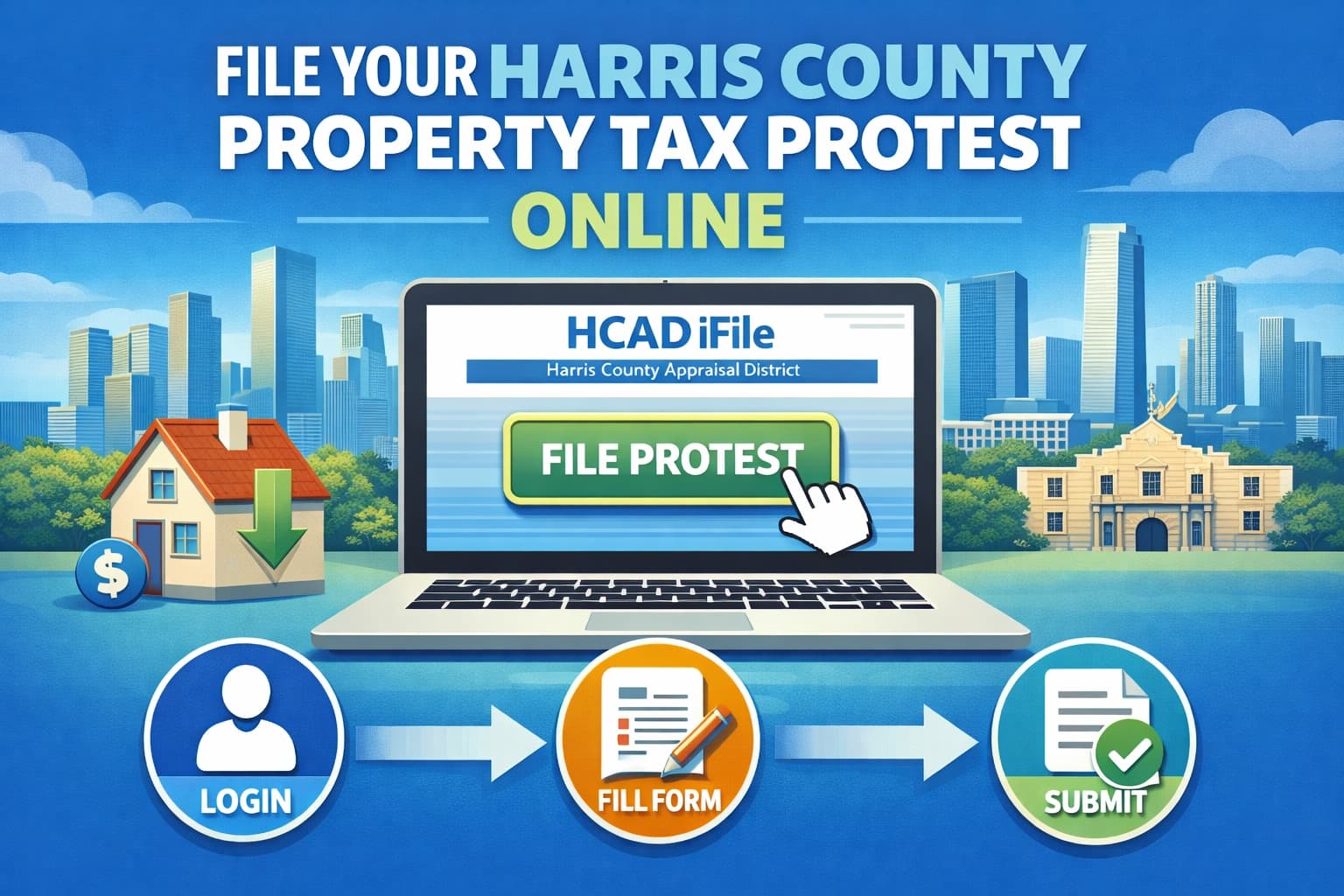
How to File a Harris County Property Tax Protest Online
Filing an HCAD online protest is the fastest and most effective way to challenge your Harris County property tax assessment. The Harris County Appraisal District's iFile system allows homeowners to submit protests, upload evidence, and receive settlement offers through the iSettle program.
Below is what's covered:
- How to access the HCAD iFile online protest system
- Step-by-step instructions for filing your protest
- Required documents and information
- Common mistakes to avoid
- Tips for a successful online submission
For a complete overview of the Harris County protest process, see our Harris County property tax protest guide.
What Is the HCAD iFile System?
iFile is HCAD's official online protest filing system. It allows Harris County property owners to:
- File property tax protests electronically
- Upload supporting evidence
- Receive settlement offers through iSettle
- Track protest status
HCAD strongly encourages online filing for faster processing and immediate confirmation.
HCAD Online Protest Deadline
The deadline to file is May 15, 2026, or 30 days after your Notice of Appraised Value is mailed, whichever is later.
Evidence upload deadline: 5 calendar days after filing (midnight of the fifth day, including weekends)
Missing the deadline eliminates your right to protest for the year.
Step-by-Step: How to File an HCAD Property Tax Protest Online
Step 1: Access the HCAD Website
Visit www.hcad.org and enter your property account number to find your property.
Step 2: Click "File a Protest"
Look for the "File a Protest" button in the upper left portion of your account information.
Step 3: Create or Log In to Your Account
- New users: Create an account at owners.hcad.org
- Existing users: Log in directly
Step 4: Follow the Online Directions
Complete the protest form and provide required information:
- Property account number
- iFile number (from your appraisal notice)
- Property owner name and address
- Tax year being protested
- Protest reason(s)
Step 5: Select Your Protest Reasons
Check all reasons that apply:
- Incorrect appraised (market) value
- Value is unequal compared to other properties
- Exemption was denied, modified, or cancelled
- Owner's name is incorrect
- Property description is incorrect
Selecting multiple reasons preserves your options at the hearing.
Step 6: Provide an Opinion of Value
If you want to receive a settlement offer through iSettle, you must provide your opinion of what your property is worth.
Step 7: Submit and Receive Confirmation
Submit your protest and receive immediate email confirmation.
Step 8: Upload Supporting Evidence (Within 5 Days)
You have 5 calendar days from filing to upload your evidence. This deadline is midnight of the fifth day, including weekends.
What Documents Do You Need?
Required Information:
- Property account number (upper right of appraisal notice)
- iFile number (unique identifier on your notice)
- Property owner name and mailing address
Supporting Evidence to Upload:
| Evidence Type | Purpose |
|---|---|
| Comparable sales (3-5 homes) | Proves similar homes sold for less |
| Photos of property | Documents condition issues |
| Contractor estimates | Supports repair cost claims |
| Recent appraisal | Independent valuation |
| Closing statement | Documents purchase price |
| Market analysis | Shows neighborhood trends |
File requirements:
- Formats: .jpg, .jpeg, .doc, .docx, .xls, .xlsx, .pdf
- Size limit: 25 MB per file
- Total limit: 25 MB for all files combined
What Is iSettle?
iSettle is HCAD's online settlement program. After reviewing your evidence, HCAD may send you a settlement offer via email.
How it works:
- File your protest and check the iSettle option
- Upload your evidence within 5 days
- HCAD reviews your documentation
- You receive a settlement offer by email
- Accept the offer to resolve your protest, or decline to proceed to ARB hearing
Important: iSettle offers are one-time offers and must be accepted at least 24 hours before your ARB hearing.
Common Mistakes When Filing Online
Avoid these errors that can weaken or disqualify your protest:
- Missing the May 15 deadline - File early to avoid last-minute issues
- Missing the 5-day evidence deadline - Evidence must be uploaded within 5 calendar days
- Not checking all applicable boxes - Select all relevant protest reasons
- Confusing market value vs. appraised value - Know what you're protesting
- Using inaccurate comparable sales - Verify HCAD's comps against actual data
- Uploading vague evidence - Photos and estimates need context
- Not checking for data errors first - Fix wrong square footage or features
- Missing your ARB hearing - Attend or file a written explanation within 4 days
Tips for a Successful HCAD Online Protest
Before You File:
- Review your appraisal notice for data errors
- Research 3-5 comparable sales in your neighborhood
- Document all property defects with clear photos
- Get written contractor estimates for needed repairs
- Check HCAD's evidence at owners.hcad.org
When Filing:
- File online via iFile (faster than mail)
- Check the iSettle option to receive settlement offers
- Be specific about your opinion of value
- Provide context for all issues you're claiming
Evidence Strategy:
- Challenge HCAD's comparable properties if they're inaccurate
- Show why similar homes are in better condition
- Include detailed repair estimates with specific costs
- Organize evidence with clear labels
After Filing:
- Watch for iSettle settlement offer (arrives within weeks)
- Review all comparable sales HCAD used
- Accept iSettle to resolve, or reject to proceed to ARB
- If going to ARB: prepare 5 copies of all documents
HCAD Success Statistics
Harris County has some of the highest protest success rates in Texas:
- 89% of informal protests result in value reductions
- 68% of formal ARB appeals are successful
- 71% of single-family home formal protests led to reductions in 2024
There's no penalty for filing, and you can withdraw anytime.
HCAD Contact Information
| Resource | Details |
|---|---|
| Website | www.hcad.org |
| iFile Portal | owners.hcad.org |
| Phone | 713-957-7800 |
| Address | 13013 Northwest Freeway, Houston, TX 77040 |
Frequently Asked Questions
How do I file a Harris County property tax protest online?
Visit www.hcad.org, find your property, click "File a Protest," and log in or create an account at owners.hcad.org. Complete the form, select your protest reasons, provide an opinion of value, and submit. Upload evidence within 5 days.
What is the HCAD iFile number and where do I find it?
The iFile number is a unique identifier on your Notice of Appraised Value. It's required to file online. If you can't find it, contact HCAD at 713-957-7800 or visit owners.hcad.org to look up your property information.
What is HCAD iSettle and how does it work?
iSettle is HCAD's online settlement program. After you file and upload evidence, HCAD reviews your documentation and may send a settlement offer via email. You can accept to resolve your protest or decline to proceed to an ARB hearing.
What's the deadline to upload evidence after filing with HCAD?
You have 5 calendar days from filing to upload supporting evidence. This deadline is midnight of the fifth day, including weekends. Missing this deadline can weaken your case.
Can I withdraw my HCAD protest after filing online?
Yes. You can withdraw your protest at any time before the ARB issues a decision. There's no penalty for withdrawing, and it won't affect your ability to protest in future years.
How This Fits Into the Texas Protest Process
Harris County follows Texas Property Tax Code procedures, but HCAD has specific systems like iFile and iSettle.
For statewide context on deadlines, evidence strategies, and hearing procedures, see our Texas property tax protest guide.
Get Help With Your Harris County Property Tax Protest
Filing online is straightforward, but building a winning case requires research, evidence, and strategy.
If you want professional help preparing evidence, navigating the iFile system, and maximizing your iSettle offer, expert representation can improve your results.
Learn more in our Harris County property tax protest guide, visit our Harris County page, or get started today with Ballard Property Tax Protest.