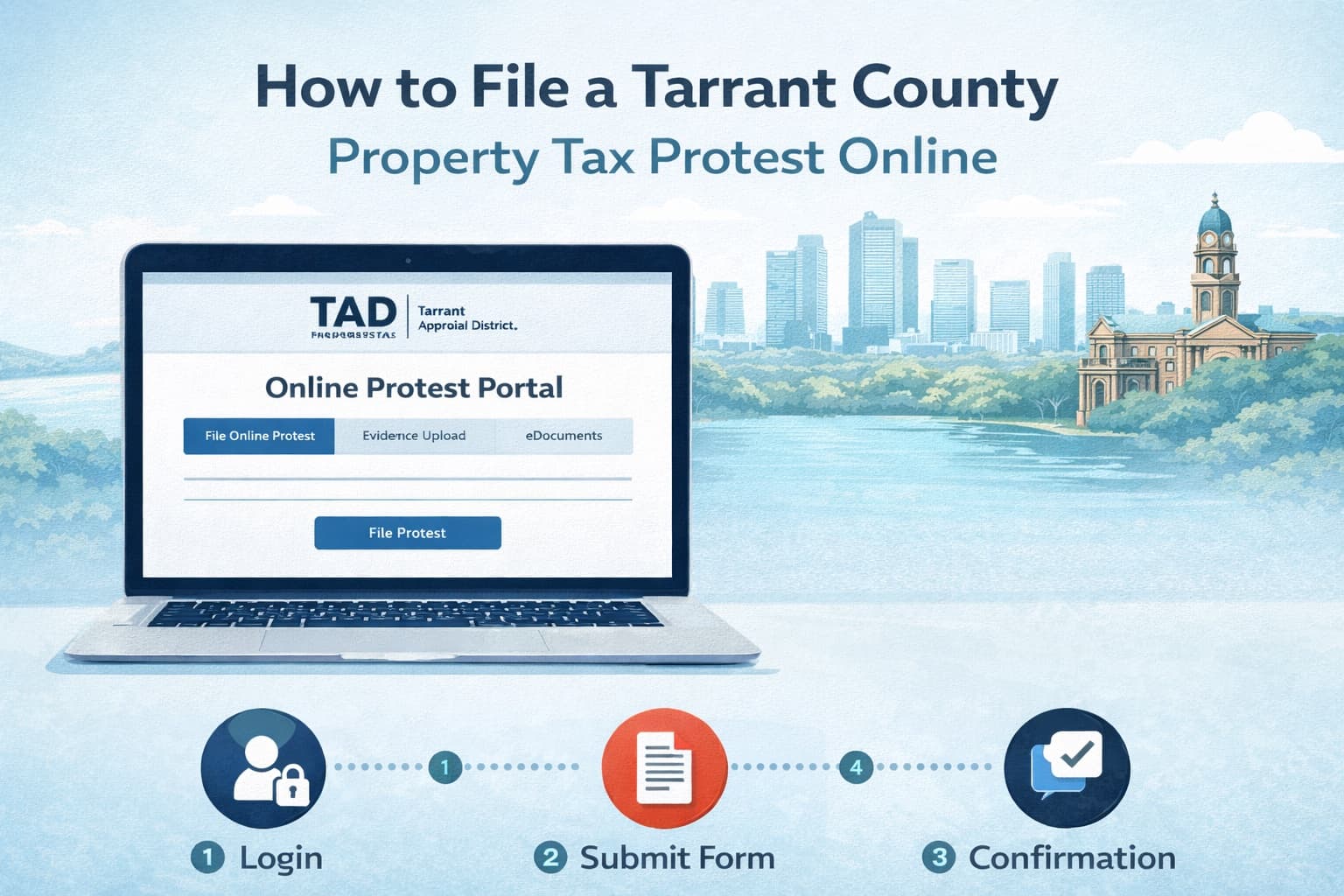
How to File a Tarrant County Property Tax Protest Online
Filing a Tarrant County property tax protest online is the fastest and most convenient way to challenge your property tax assessment. The Tarrant Appraisal District (TAD) offers a comprehensive online dashboard system that allows homeowners to submit protests, upload evidence, and even negotiate values without attending a formal hearing.
What's covered:
- How to access TAD's online protest portal
- Creating your TAD online account
- Step-by-step filing instructions
- Required documents and uploads
- Using the Value Negotiation Tool
- Common technical issues and solutions
For a complete overview of the Tarrant County protest process, including how to file by mail and what to expect at your ARB hearing, see our guide on filing a property tax protest in Tarrant County.
What Is the TAD Online Protest System?
The Tarrant Appraisal District (TAD) provides a full-featured online portal at www.tad.org that allows Tarrant County property owners to:
- File property tax protests electronically
- Upload supporting evidence and documentation
- Use the automated Value Negotiation Tool to potentially resolve disputes without a hearing
- Track protest status and view documents
- Receive email notifications about deadlines and hearing schedules
TAD strongly encourages online filing for faster processing, immediate confirmation, and access to their unique value negotiation features.
TAD Online Protest Deadline
The deadline to file a Tarrant County property tax protest is May 15, 2026, or 30 days after your Notice of Appraised Value is mailed, whichever is later.
Value Notices are typically mailed beginning in April through summer. If you expect to receive a notice but haven't, you can log in to your TAD online account to view a copy.
Missing the deadline eliminates your right to protest for the year, though TAD does allow late protests for good cause in limited circumstances.
Step-by-Step: How to File a Tarrant County Property Tax Protest Online
Step 1: Gather Your Required Information
Before you begin, collect these items:
- TAD Property Account Number - Found on the upper left corner of your Notice of Appraised Value
- Online PIN - Found on the upper right corner of your Notice of Appraised Value
- Email Address - For account creation and notifications
Your Online PIN is unique to each property parcel and is only mailed to the owner of record at their address of record. If you recently purchased a property, TAD will automatically mail your new PIN once the deed is processed.
Step 2: Create Your TAD Online Account
Visit www.tad.org and click the Login link. If you don't already have an account:
- Click "Create Account" or "Sign Up"
- Enter your email address and create a password
- Provide your name and contact information
- Verify your email address
Your TAD online account allows you to manage multiple properties and access all protest-related features.
Step 3: Add Your Property to Your Dashboard
Once logged in, you'll see your "My Dashboard" management screen:
- Click "Add Property to Dashboard" at the top of the screen
- Enter your Account Number (from your Notice of Appraised Value)
- Enter your Online PIN (from your Notice of Appraised Value)
- Click "Add Property"
Your property will now appear on your dashboard with access to all available features.
Step 4: Navigate to the Protest Option
From your dashboard:
- Click on your property account number to view details
- Look for the "File Protest" or "Online Protest" option
- Click to begin the protest filing process
The protest option is typically available once value notices have been mailed (usually starting in April).
Step 5: Select Your Protest Reasons
Choose all reasons that apply to your situation:
- Market Value - Your property is appraised higher than its actual market value
- Unequal Appraisal - Your property is assessed higher than comparable properties
- Errors in Property Records - TAD has incorrect information about your property (square footage, lot size, features, etc.)
Tip: Selecting multiple reasons preserves your options and gives you more flexibility during negotiations and hearings.
Step 6: Provide Your Opinion of Value
Enter your estimate of what your property is worth. This is important for:
- Demonstrating you have a specific, supportable position
- Enabling access to the Value Negotiation Tool
- Establishing a starting point for settlement discussions
Be realistic but confident in your estimate. Support it with evidence like comparable sales.
Step 7: Upload Supporting Evidence
Add documents that support your protest, including:
- Comparable sales - Recent sales of similar homes in your area
- Photos of property condition - Document any issues affecting value
- Repair estimates - Professional quotes for needed repairs
- Appraisals - Recent professional appraisals if available
- Closing statement - If you purchased recently, your actual purchase price
Organize your evidence clearly and label files descriptively.
Step 8: Submit Your Protest
Review all information for accuracy, then click "Submit Protest" to complete your filing.
You will receive:
- Immediate on-screen confirmation
- Email confirmation of your protest
- Information about next steps and hearing scheduling
Using TAD's Value Negotiation Tool
One of TAD's most valuable online features is the Automated Value Negotiation Tool. This system allows you to potentially resolve your protest without attending a formal hearing.
How the Value Negotiation Tool Works
- After filing your protest, the Value Negotiation Tool becomes available
- TAD presents their evidence and proposed value
- You can submit a counter-offer based on your evidence
- The system evaluates whether an agreement can be reached
- If successful, your protest resolves with a negotiated value
- If unsuccessful, your case proceeds to the traditional protest process
Benefits of the Value Negotiation Tool
- Convenience - Negotiate from home, anytime
- Speed - Faster resolution than waiting for a hearing
- Transparency - See TAD's evidence before deciding
- No pressure - You can decline offers and proceed to a hearing
This tool was designed to give property owners a quick and efficient way to reach an agreement on their property value without the hassle of a formal hearing.
What Documents Do You Need?
Required Information
| Item | Where to Find It |
|---|---|
| Property Account Number | Upper left of Notice of Appraised Value |
| Online PIN | Upper right of Notice of Appraised Value |
| Email Address | For account creation |
| Property Owner Name | Must match TAD records |
Supporting Evidence to Upload
| Evidence Type | Purpose |
|---|---|
| Comparable sales (3-5 homes) | Proves similar homes sold for less |
| Photos of property | Documents condition issues |
| Contractor estimates | Supports repair cost claims |
| Recent appraisal | Independent professional valuation |
| Closing statement | Documents your purchase price |
| Market analysis | Shows neighborhood trends |
Evidence should be recent (within 6-12 months of January 1), specific to your property or neighborhood, and clearly organized.
Common Technical Issues and Solutions
Problem: Cannot Find My Online PIN
Solution: Your PIN is on your Notice of Appraised Value (upper right corner). If you haven't received a notice or lost it:
- Log in to your TAD account to view your notice online
- Request a new PIN through TAD's website at the "Find My Account Information" page
- Contact TAD at 817-284-0024
Note: Only the property owner of record can receive the PIN, and it's only mailed via USPS to the address of record.
Problem: Account Number and PIN Don't Work
Solution: Verify you're entering the correct information:
- Account numbers are located on the upper left of your notice
- PINs are located on the upper right of your notice
- Recently purchased? Your PIN will be different from the previous owner's
- Wait a few weeks after purchase for your new PIN to arrive
Problem: Cannot Upload Documents
Solution: Check file requirements:
- Use common formats: PDF, JPG, PNG, DOC, DOCX
- Keep file sizes reasonable (under 10 MB per file is safest)
- Try a different browser if uploads fail
- Clear your browser cache and try again
Problem: Online Protest Option Not Available
Solution: The protest option is only available during protest season:
- Value Notices typically mail starting in April
- The protest window opens when notices are mailed
- Check back after receiving your Notice of Appraised Value
Problem: Forgot Password
Solution: Use the "Forgot Password" link on the login page. TAD will send password reset instructions to your registered email address.
Tips for a Successful TAD Online Protest
Before You File
- Review your Notice of Appraised Value carefully for errors in property details
- Research comparable sales in your neighborhood (3-5 similar homes sold recently)
- Document any property issues with clear, dated photos
- Get written repair estimates for any needed maintenance or repairs
- Check TAD's property details against actual conditions
When Filing
- File early in the season to avoid system congestion and deadline stress
- Select all applicable protest reasons to preserve options
- Provide a specific opinion of value supported by your evidence
- Upload organized, clearly labeled evidence for easy review
After Filing
- Save your confirmation email and reference number
- Monitor your email for communications from TAD
- Try the Value Negotiation Tool when available
- Prepare for either informal review or ARB hearing if negotiation doesn't resolve your case
- Review TAD's evidence to understand their position
What Happens After You File Online?
Once your online protest is submitted:
- Confirmation - Immediate confirmation on-screen and via email
- Value Negotiation - Opportunity to use the automated negotiation tool
- Evidence Review - TAD staff reviews your documentation
- Informal Review - TAD may contact you to discuss your case
- ARB Hearing - If no agreement is reached, your case goes to the Tarrant County Appraisal Review Board
Many protests resolve during the value negotiation or informal review stages when strong evidence is submitted.
Why File Online Instead of by Mail?
| Online Filing | Mail Filing |
|---|---|
| Immediate confirmation | No confirmation until processed |
| Faster processing | Slower, risk of delivery delays |
| Access to Value Negotiation Tool | No automated negotiation option |
| Easy document uploads | Must mail physical copies |
| Track status online | No tracking available |
| Email notifications | Paper mail only |
Online filing is TAD's preferred method and provides significant advantages, especially the Value Negotiation Tool.
TAD Contact Information
| Resource | Details |
|---|---|
| Website | www.tad.org |
| Phone | 817-284-0024 |
| Address | 2500 Handley-Ederville Road, Fort Worth, TX 76118 |
| Online Account Help | TAD Online Account Management |
Frequently Asked Questions
How do I file a Tarrant County property tax protest online?
Visit www.tad.org, create an online account (or log in), add your property using your account number and Online PIN, then click on your property and select the protest option. Complete the form, upload evidence, and submit. You'll receive immediate confirmation.
Where do I find my TAD Online PIN?
Your Online PIN is located on the upper right corner of your Notice of Appraised Value. If you can't find it, you can request your PIN through TAD's website or contact them at 817-284-0024. Only the property owner of record can receive the PIN.
What is the TAD Value Negotiation Tool and how does it work?
The Value Negotiation Tool is TAD's automated system that allows property owners to negotiate their property value online without attending a formal hearing. After filing your protest, you can review TAD's evidence, submit counter-offers, and potentially reach an agreement entirely online.
What happens if the Value Negotiation Tool doesn't resolve my protest?
If you can't reach an agreement through online negotiation, your case proceeds to the traditional protest process. This includes an informal review with TAD staff and, if needed, a formal hearing before the Tarrant County Appraisal Review Board (ARB).
Can I file a late protest with TAD?
Late protests are allowed for good cause if you miss the May 15 deadline. The ARB decides whether you have good cause. However, late protests are not allowed after the ARB approves the appraisal records for the year, so act quickly if you missed the deadline.
Is there a fee to file a Tarrant County property tax protest online?
No. Filing a protest through TAD's online system is completely free. There are no filing fees, and you won't owe anything unless you appeal beyond the ARB to district court or binding arbitration.
Can I protest my Tarrant County property taxes every year?
Yes. You have the right to protest annually, regardless of whether your value increased. Even if you protested last year, you can (and should) protest again if you believe the current assessment is too high.
How This Fits Into the Texas Protest Process
Tarrant County follows Texas Property Tax Code procedures, but TAD has specific systems and tools like the Value Negotiation Tool that are unique to this county.
For statewide context on deadlines, evidence strategies, and hearing procedures, see our Texas property tax protest guide.
Get Help With Your Tarrant County Property Tax Protest
Filing online is straightforward, but building a winning case requires research, evidence, and strategy.
If you want professional help preparing evidence, navigating the TAD system, and maximizing your chances of a successful outcome, expert representation can improve your results.
Learn more in our Tarrant County property tax protest guide, visit our Tarrant County page, or get started today with Ballard Property Tax Protest.